

How to Get Paid from Upwork Without a US Bank Account in 2026
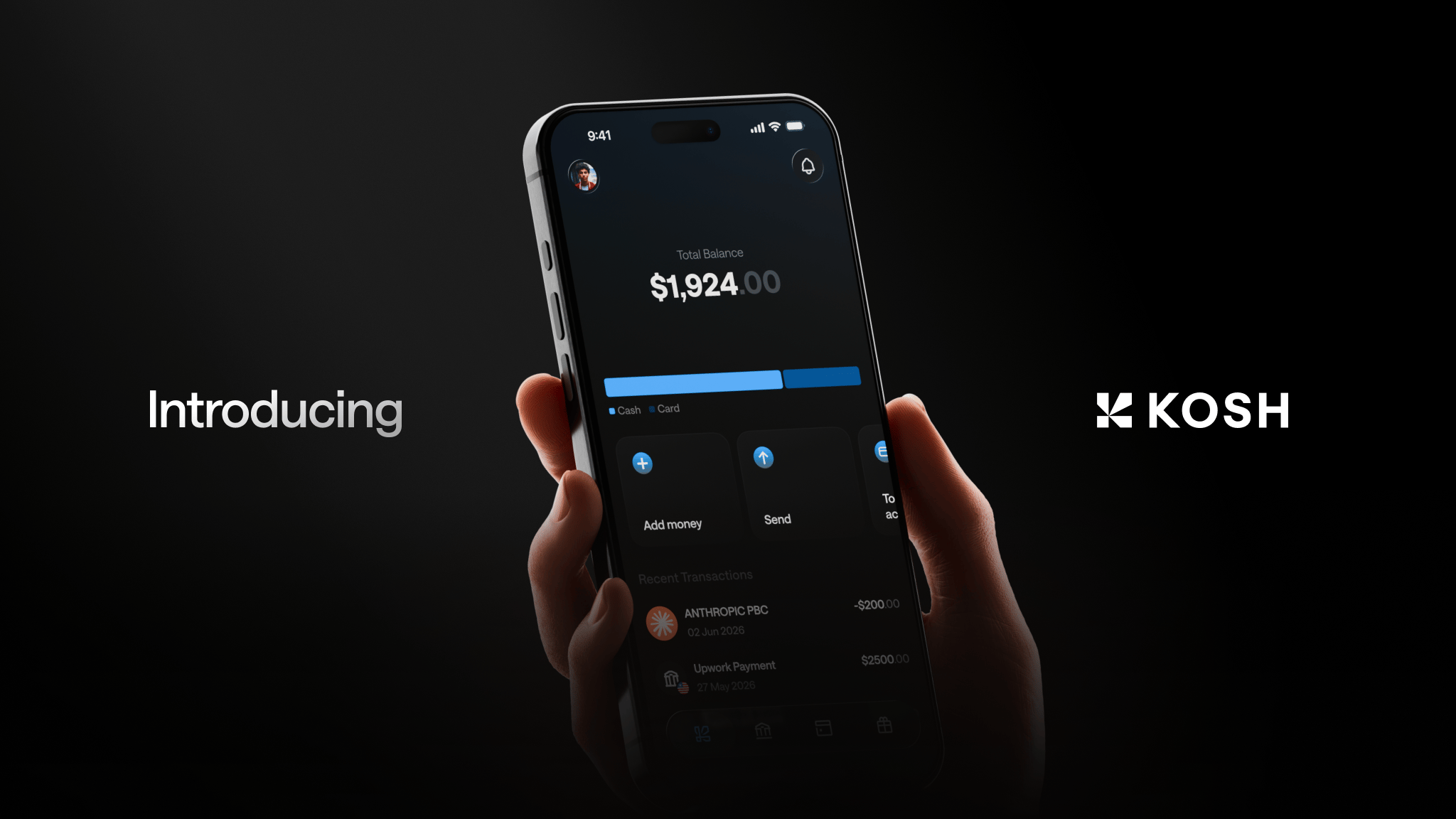
How international freelancers can get paid from Upwork in 2026 without a US bank account, step by step.
- What Withdrawal Methods Does Upwork Offer Non-US Freelancers?
- Why a Virtual USD Account Changes the Equation
- How to Set Up Upwork Payments Without a US Bank Account
- The Real Cost of Getting This Wrong
- What to Look for in a Virtual USD Account for Upwork Payments
- Beyond Upwork: One Account for Every Platform
- Protecting Your Earnings from Currency Devaluation
- Earning While You Spend
- FAQs
- The Short Version
You've landed a client on Upwork. The contract is signed, the work is done, and the payment is sitting there. Then comes the familiar frustration: Upwork wants your bank details, and your local bank in Nigeria, Pakistan, India, or the Philippines doesn't quite work the way a US account would.
You're not alone. Millions of freelancers outside the United States earn in USD but have no clean, affordable way to receive and hold those dollars. This guide covers exactly how to fix that in 2026 — the withdrawal methods Upwork supports, what each one actually costs you, and how to keep more of what you earn.
What Withdrawal Methods Does Upwork Offer Non-US Freelancers?
Upwork offers several options depending on your country. Here's what most freelancers outside the US can realistically access:
- Direct to Local Bank (SWIFT): Available in most countries. Upwork sends USD or local currency via international wire. Fees apply on both ends, and conversion rates cut into your earnings.
- Payoneer: Widely used in markets like Bangladesh, Egypt, and Kenya. Funds land in a Payoneer account, which you then withdraw to your local bank — triggering another round of fees and conversion.
- Wise: Available in select countries. Wise gives you local bank details in multiple currencies, but a USD-to-local conversion still happens at some point.
- PayPal: Restricted or unavailable in many markets, including Nigeria and Pakistan. Even where it works, withdrawing to a local bank adds fees and delays.
- Direct to US Bank (ACH): Fast and low-cost — but only if you have a US bank account, which most international freelancers don't.
The pattern is consistent. Every option either requires a US bank account to get the best rates, or it forces a currency conversion that costs you money.
Why a Virtual USD Account Changes the Equation
The cleanest solution for most international freelancers in 2026 is a virtual USD account — one that gives you real US banking details (routing number, account number) so Upwork treats you exactly like a US-based freelancer.
With a virtual USD account, you can:
- Set up ACH or Wire withdrawal directly in your Upwork payment settings
- Receive USD without triggering a currency conversion
- Hold your balance in dollars until you're ready to spend or transfer
- Skip the multi-step Payoneer or Wise routing that adds fees at every hop
This matters most if you're in a country with a volatile local currency. Holding USD means your earnings don't lose value while they sit waiting to be spent.
How to Set Up Upwork Payments Without a US Bank Account
Here's a practical step-by-step for 2026.
Step 1: Get a Virtual USD Account
Open a Kosh account — it's free to create, available in 90+ countries, and gives you USD account details you can use right away. You also get EUR, GBP, and AED accounts in the same dashboard, which is useful if you work with European clients on other platforms.
No US address required. No existing US bank account required.
Step 2: Add Your USD Account Details to Upwork
In your Upwork account, go to Settings > Get Paid. Select Direct to US Bank as your withdrawal method. Enter the routing number and account number from your Kosh USD account.
Upwork treats this as a standard ACH or Wire destination. Payments arrive in your Kosh account in USD.
Step 3: Choose Your Withdrawal Schedule
Upwork lets you set weekly, bi-weekly, or monthly automatic withdrawals, or trigger them manually. Once funds clear the Upwork security period — typically 5 days for new contracts — they transfer to your Kosh account.
Step 4: Spend, Send, or Hold
Once your USD lands in Kosh, you have real options:
- Spend directly with your Kosh virtual or physical card — works with Apple Pay and Google Pay, accepted globally
- Send to a local bank in Nigeria, Pakistan, India, or wherever you're based
- Transfer by email to another person without needing their bank details
- Hold in stablecoins to protect against local currency devaluation
The Real Cost of Getting This Wrong
Let's be specific about what poor payment routing actually costs a freelancer earning $3,000 a month.
Withdrawing via Payoneer to a local bank in Nigeria or Pakistan typically means a withdrawal fee plus a currency conversion spread. Over 12 months, that adds up to hundreds of dollars — money that should be in your pocket.
SWIFT withdrawals from Upwork to a local bank often carry a flat wire fee plus a conversion markup. Depending on your bank, the receiving side may charge an additional incoming wire fee on top of that.
Routing through PayPal — where it's available — adds another layer of fees, and in some markets your USD gets converted to local currency before you can do anything with it.
A virtual USD account that receives via ACH removes most of this friction. The money arrives as dollars, stays as dollars, and you decide when and how to convert.
What to Look for in a Virtual USD Account for Upwork Payments
Not all virtual USD accounts are built the same. Here's what actually matters:
ACH and Wire support: Upwork's direct bank withdrawal uses ACH for US domestic transfers and Wire for international ones. Your account needs to support both.
Real USD account details: You need an actual routing number and account number — not just a wallet address. Upwork's system requires standard bank details.
Spend capability without a separate bank: Some services give you a USD account but require you to move money elsewhere before you can spend it. A product with a native card means you can spend directly from your balance.
Availability in your country: Confirm the service works in your specific market. Some virtual account providers restrict access in Nigeria, Pakistan, or Egypt.
Fund accessibility: This matters more than it sounds. Some platforms have documented histories of locking funds or going quiet when something goes wrong. Read reviews before committing.
Beyond Upwork: One Account for Every Platform
If you work across Fiverr, Deel, Toptal, Freelancer, or YouTube, a single USD account that accepts ACH, Wire, and SWIFT covers all of them. You don't need a separate account for each platform.
Kosh supports payment receipt from all of these. The same account details you use for Upwork work for Deel payroll, Fiverr withdrawals, and YouTube AdSense payments — one dashboard, one card, one place to manage your international income.
Protecting Your Earnings from Currency Devaluation
If you're based in Nigeria, Egypt, or Pakistan, this section is for you.
Local currency devaluation isn't a hypothetical risk — it's a documented pattern in these markets. Freelancers who convert USD earnings to naira, pounds, or rupees immediately often find their purchasing power eroded within months.
Holding your balance in USD lets you time your conversions. You convert when the rate works for you, not because your account forces it.
Kosh holds balances in USDC and USDT — stablecoins pegged to the US dollar. Your $3,000 stays worth $3,000 regardless of what the naira or rupee does in the meantime.
Earning While You Spend
One underrated benefit of using a dedicated account for your freelance income: rewards.
Kosh offers 5% cashback on hotel bookings and 10% reward points on eligible card spend. If you're a nomad spending on accommodation, or a freelancer paying for tools like Figma, Canva, or AWS, those rewards accumulate on money you'd spend anyway.
FAQs
Can I use a virtual USD account for Upwork withdrawals from Nigeria or Pakistan? Yes. Upwork's Direct to US Bank option accepts virtual USD accounts with valid routing and account numbers. Kosh provides these details to freelancers in 90+ countries, including Nigeria and Pakistan, without requiring a US address.
What's the difference between ACH and Wire for Upwork payments? ACH is a US domestic transfer method — typically faster and lower cost. Wire (including SWIFT) is used for international transfers. Upwork uses ACH for US bank withdrawals and Wire/SWIFT for international ones. A virtual USD account that supports both gives you the most flexibility.
Do I need a US address to get a virtual USD account? No. Kosh doesn't require a US address. You apply with your actual country of residence and receive USD account details that work with Upwork's payment system.
How long does it take for Upwork payments to arrive in a virtual USD account? Upwork holds earnings for a security period — typically 5 business days for established accounts. After that, ACH transfers usually arrive within 1 to 3 business days. Wire transfers may take slightly longer depending on routing.
Is it safe to hold USD earnings in a stablecoin-backed account? Stablecoins like USDC and USDT are pegged to the US dollar, so your balance doesn't move with crypto markets. The more important question is whether the platform holding your funds is reliable and reachable. Check reviews and confirm the service has a clear support track record before depositing significant amounts.
Can I use the same account to receive payments from Fiverr and Deel too? Yes. A virtual USD account with ACH, Wire, and SWIFT support works across multiple platforms. Kosh supports payment receipt from Upwork, Fiverr, Deel, Toptal, Freelancer, and YouTube — all from the same account.
What happens to my USD balance if I don't withdraw to a local bank right away? It stays in your account as USD, held in stablecoins. You can spend it directly with your card, send it to someone else, or withdraw to a local bank whenever the exchange rate suits you. You're never forced to convert immediately.
The Short Version
You don't need a US bank account to get paid from Upwork in 2026. You need a virtual USD account with real ACH and Wire details — one that lets you receive, hold, and spend your earnings without forcing an immediate currency conversion.
Set up your account, add the details to Upwork, and your USD goes straight to you. No Payoneer middleman, no SWIFT fee surprises, no watching your naira or rupee balance shrink while you wait to spend.
Your earnings are yours. Keep them that way.